How Bradleygraceprints keeps 1,600 party templates on Pinterest
Bradleygraceprints
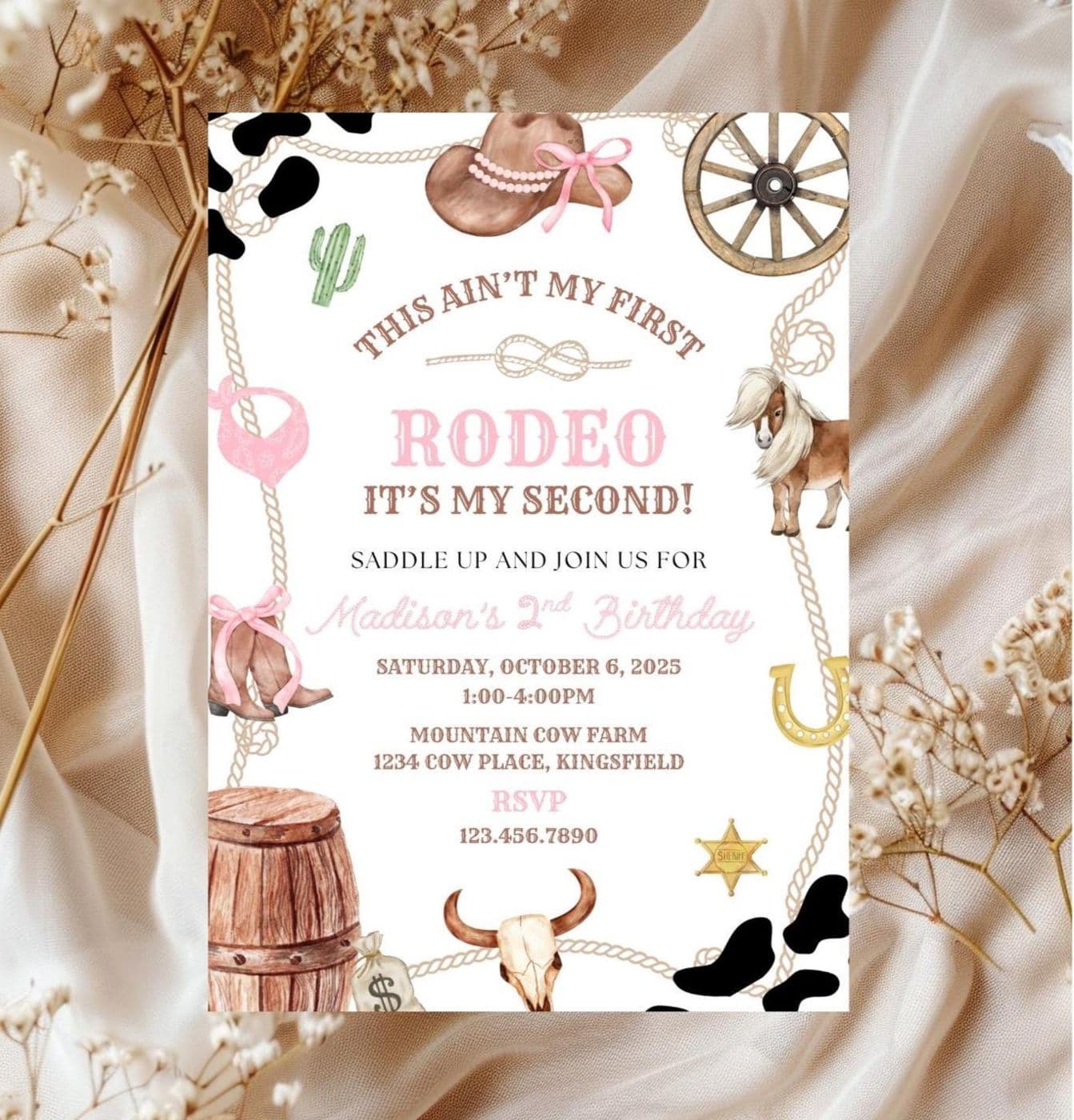
Bradleygraceprints has made more than 9,400 sales on Etsy since 2021 with editable party templates, from rodeo birthday invitations to flamingo favor tags. With more than 1,600 listings, far too many to pin one by one, the shop lets Alura's Smart Pins keep its templates on Pinterest.
A template for almost every party theme
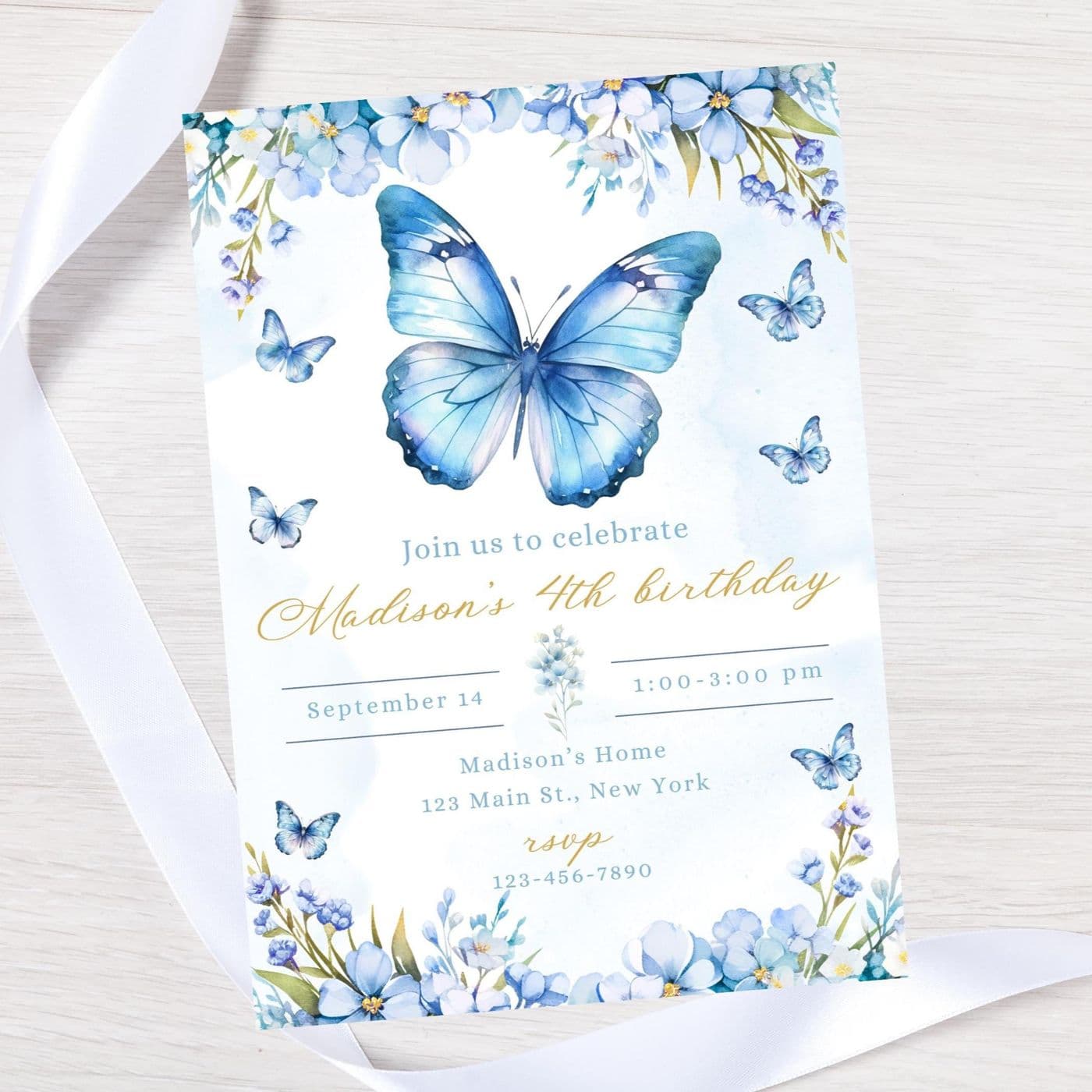
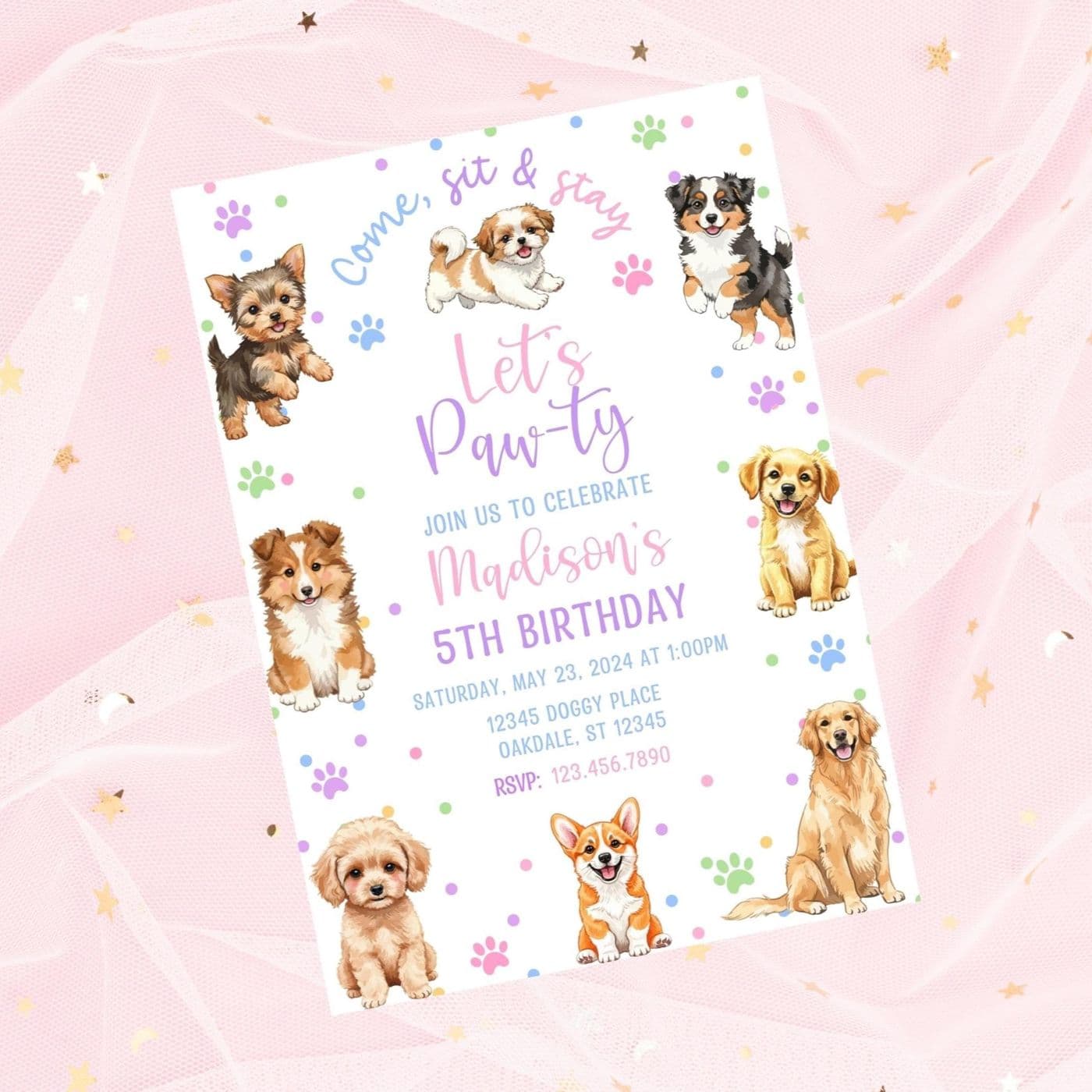
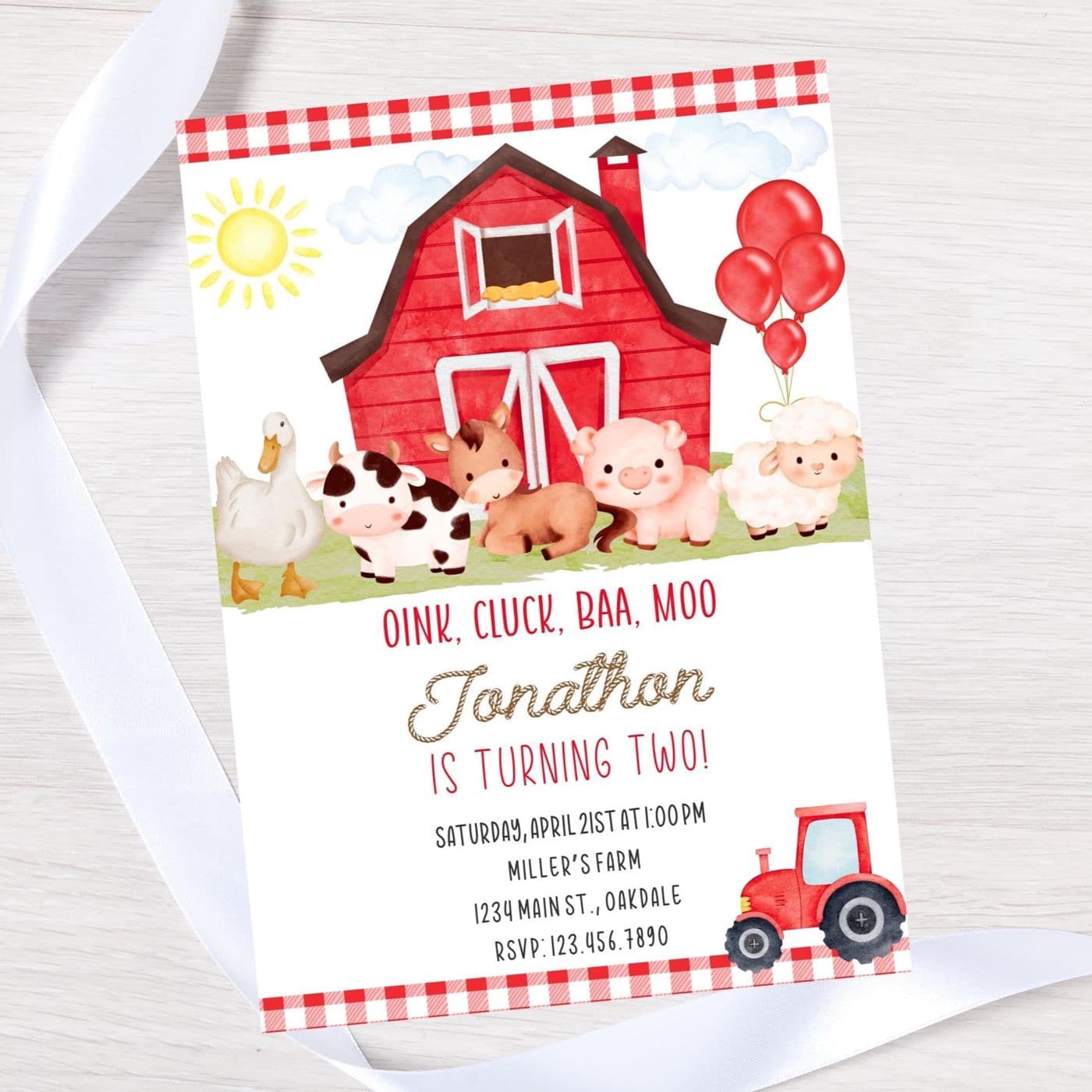
Bradleygraceprints makes the paper side of a party as editable templates. A buyer picks a design, gets a PDF with a link to the template in Canva, changes the names, date and colors, then prints at home or sends it to a print shop. Invitations come as 5x7 cards, favor tags as a printable sheet of eight, and welcome signs in sizes up to 20x30.
The themes run from monster trucks and glow parties to pink rodeos, fairies, sharks and farm animals, with baby showers, bridal showers and baptisms alongside. The shop has more than 1,600 active listings, nearly 800 reviews and a 4.95 star rating. And for a buyer who likes a design but would rather not edit it, the offer is simple: send a message and the shop will help.
Too many templates to pin by hand
Party templates are a visual product. A shopper picks the rodeo invitation because of the cowboy boots and the pink barn, and Pinterest is built for that kind of looking. For a shop with this many designs, though, pinning means opening each listing, choosing a photo, writing something that reads well on a pin, picking a board and doing it again the next day.
Multiply that by more than 1,600 listings and it adds up to a second job. The words also need to change on the way. An Etsy title is built for Etsy search, and someone scrolling a board of party ideas wants a plain sentence about what the template is.
“Parents plan the whole party on Pinterest before they buy a thing. My invites belong there. Sixteen hundred of them, one pin at a time, was not a job I could do.”
The queue fills itself from the shop's own listings
Bradleygraceprints connected its Pinterest account to Alura and turned on two automations. Smart Pins fills a queue ahead of time with pins made from the shop's active listings. It ranks them mostly by Etsy listing views and won't reuse a photo that was pinned in the last 7 days, so followers don't see the same rodeo invitation photo over and over. Pin New Listings runs once a day and picks up templates that went live in the past day.
For the pin text, the shop chose "Optimized for Pinterest with AI" instead of copying its Etsy text. Each pin gets its own title and a short description written from the listing, which says what the buyer gets: the size, that it's edited in Canva, that it's an instant download. Pins post on the schedule set in the Pin Queue, and the shop can still open the queue to edit a pin, move it, or make one by hand in the Create tab.
“My titles are built so Etsy can find them. A mom scrolling a board of rodeo ideas needs a sentence she can read, so I let the AI write that one.”
Titles that name the party, then stop
The other half of the work happens in Alura's listing editor, and it's done by hand. Many of the shop's older titles said the theme two or three ways. In the editor, those titles have been brought back to one pattern: the theme, the item, instant download. Where a design needs one more detail, like the purple flowers on a bridal shower invite, that detail goes in instead.
Descriptions got the same care. Most listings open with the same friendly welcome and the same template details. Many now have the product's own name on a line right under the greeting, so a reader knows straight away which template the page is for. It's a small edit, made listing by listing, and it means the opening of each page is no longer word for word the same as its neighbors.
Whale Baby Shower invitation-baby shower invite-whale theme invite-instant download
Whale Baby Shower invitation-instant download
Pink floral Baptism Invitation-baptism invite-Pink floral christening invitation
Pink floral Baptism Invitation-instant download
Bridal shower invitation-instant download
Bridal shower invite-purple flower-instant download
Sunflower Birthday invitation-instant download
Sunflower Birthday invitation-21st invite-instant download
Each pin describes one template in plain sentences
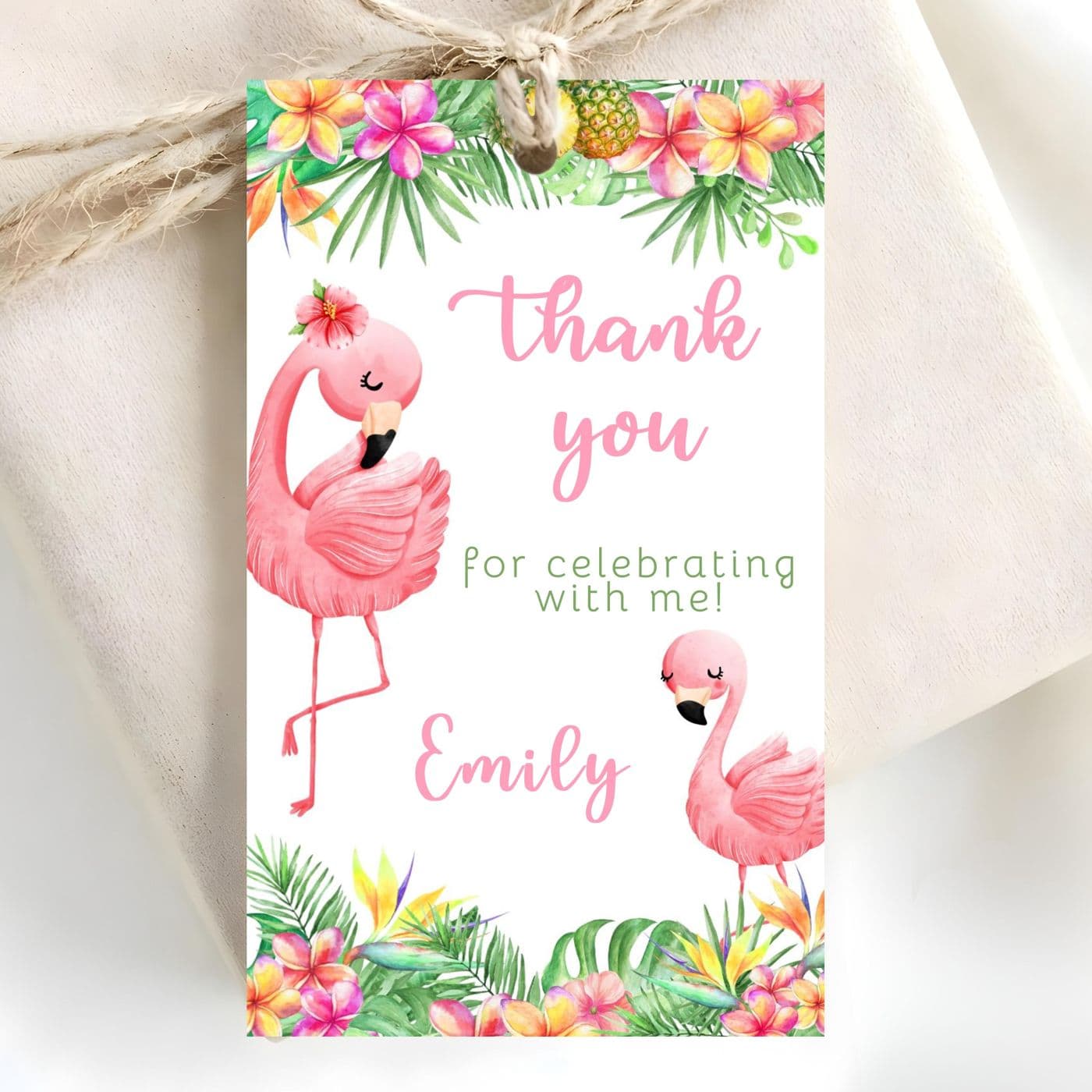
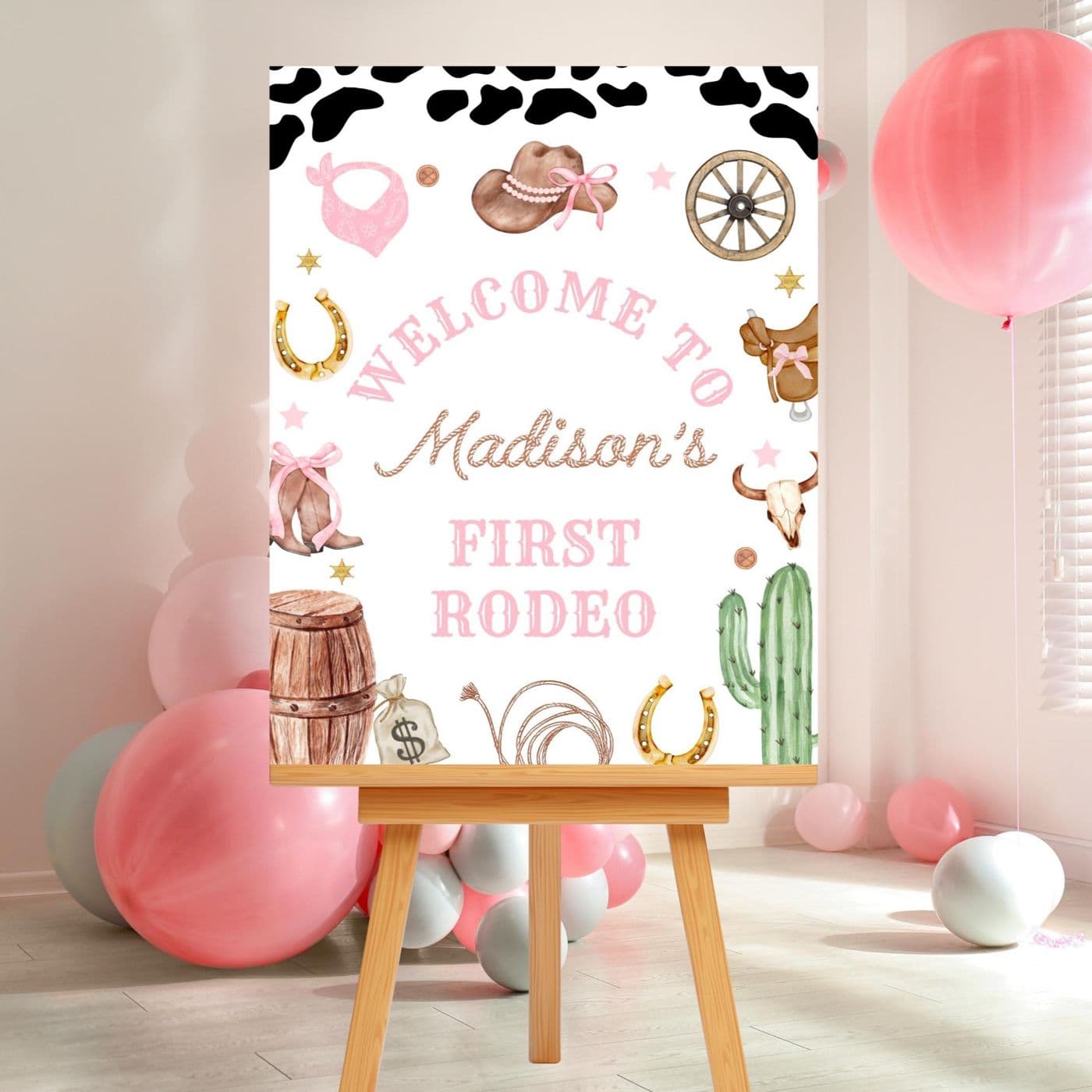
The pins are the clearest change. Each one starts from the Etsy listing but reads like a sentence. The flamingo thank you tags, for example, are described on Pinterest as "Printable 8.5x11 favor tags with 8 editable flamingo-themed designs. Easily customize names, save, and print for your celebration." The pink rodeo welcome sign lists its three print sizes. Every pin links back to the listing on Etsy, where the buyer finds the full details and the download.
On Etsy, the titles stay short and built for search. On Pinterest, the same templates get a fuller title that says what kind of party they're for. Here is how a few of them compare:
Editable flamingo thank you tags-instant download
Pinterest pinEditable Flamingo Thank You Tags for Party & Birthday
Editable blue butterfly birthday invitation-instant download
Pinterest pinEditable Blue Butterfly Birthday Invite for Easy Customization
Pink Rodeo Birthday Welcome Sign, Editable Template (Digital Download)
Pinterest pinEditable Pink Rodeo Welcome Sign for Birthday Parties
Glow in the Dark Invitation-Instant Download
Pinterest pinGlow-in-the-Dark Party Invite for Special Birthdays
Pick a title pattern and keep it
For other template sellers, the advice is about consistency. Decide what every title says and in what order, and use it on every listing, old and new. Buyers of digital products want to know they're getting a file, not a parcel, so say it in the title every time. A catalog that reads the same way from listing to listing is easier to browse.
“Every one of my titles ends in instant download. Pick a pattern like that and keep it, so nobody has to wonder if a box is coming in the mail.”
Bradleygraceprints received Alura credits as a thank-you for sharing this story.