How PlanablyNL lines up its Pinterest pins a season ahead
PlanablyNL
PlanablyNL opened on Etsy in 2025 and has already made more than 3,000 sales of party templates and personalized banners. Party themes live and die by the calendar, so Anita uses Alura's Pinterest tools to choose which designs to pin and queue them up before each season starts.
Two kinds of party shop in one
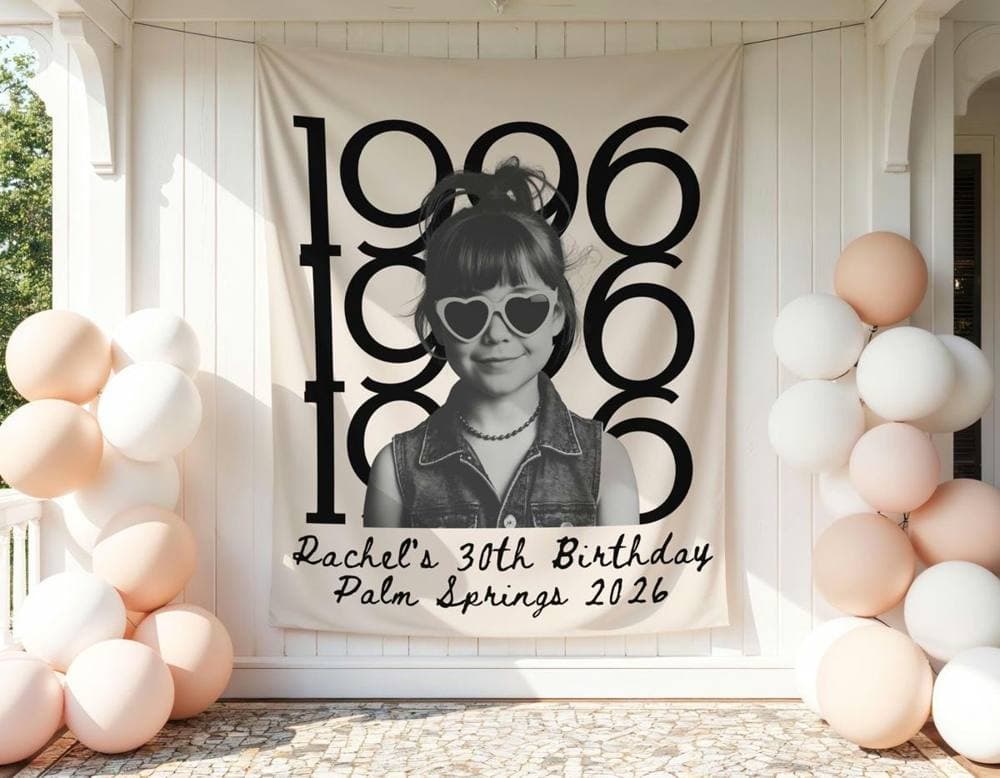
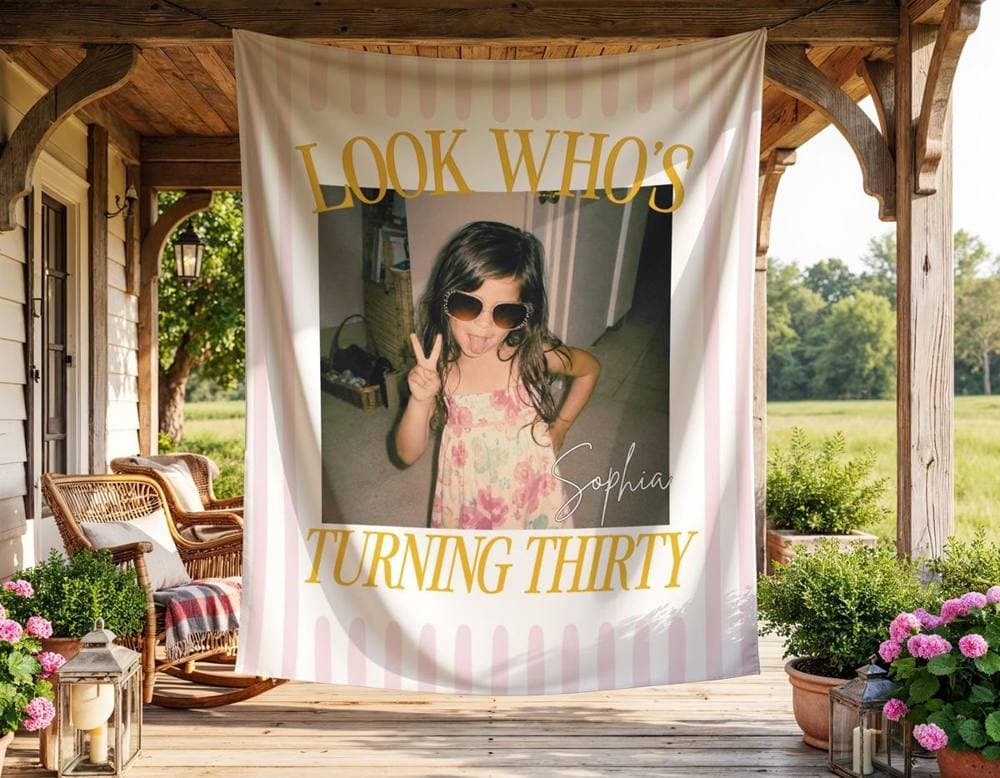
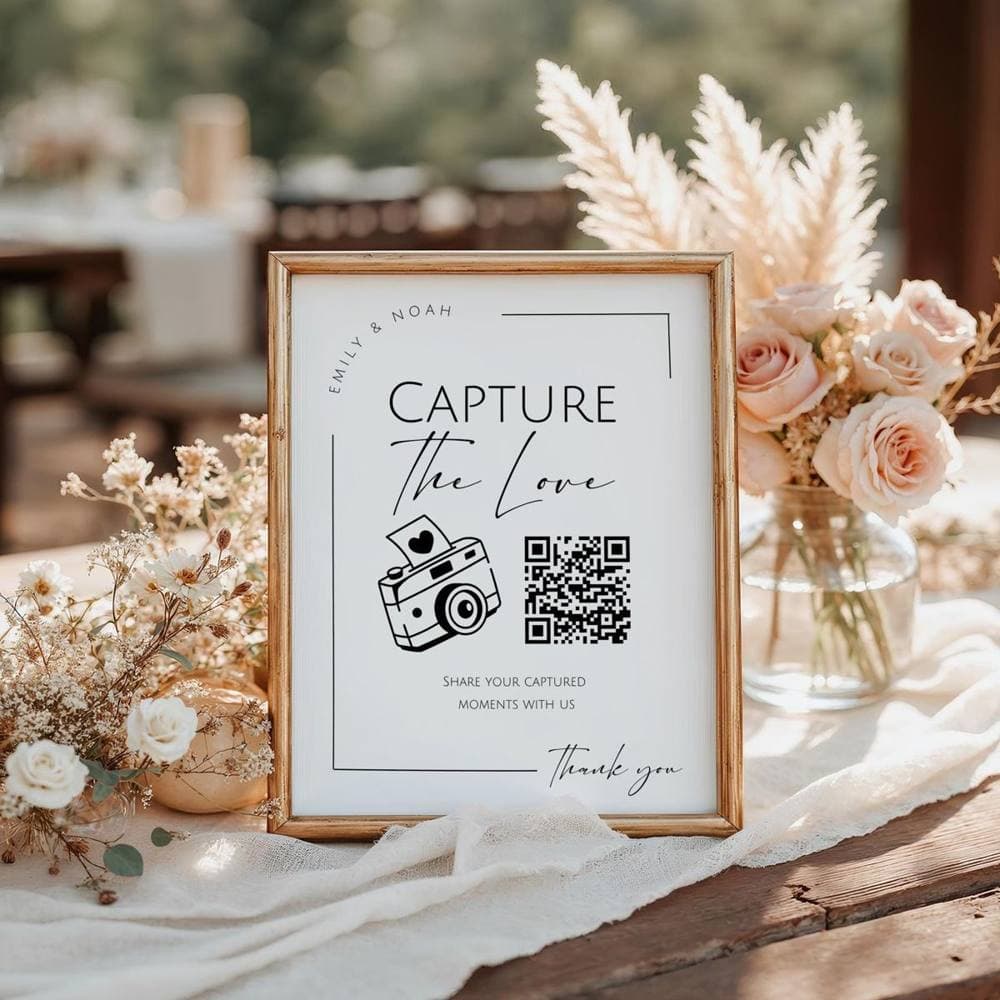
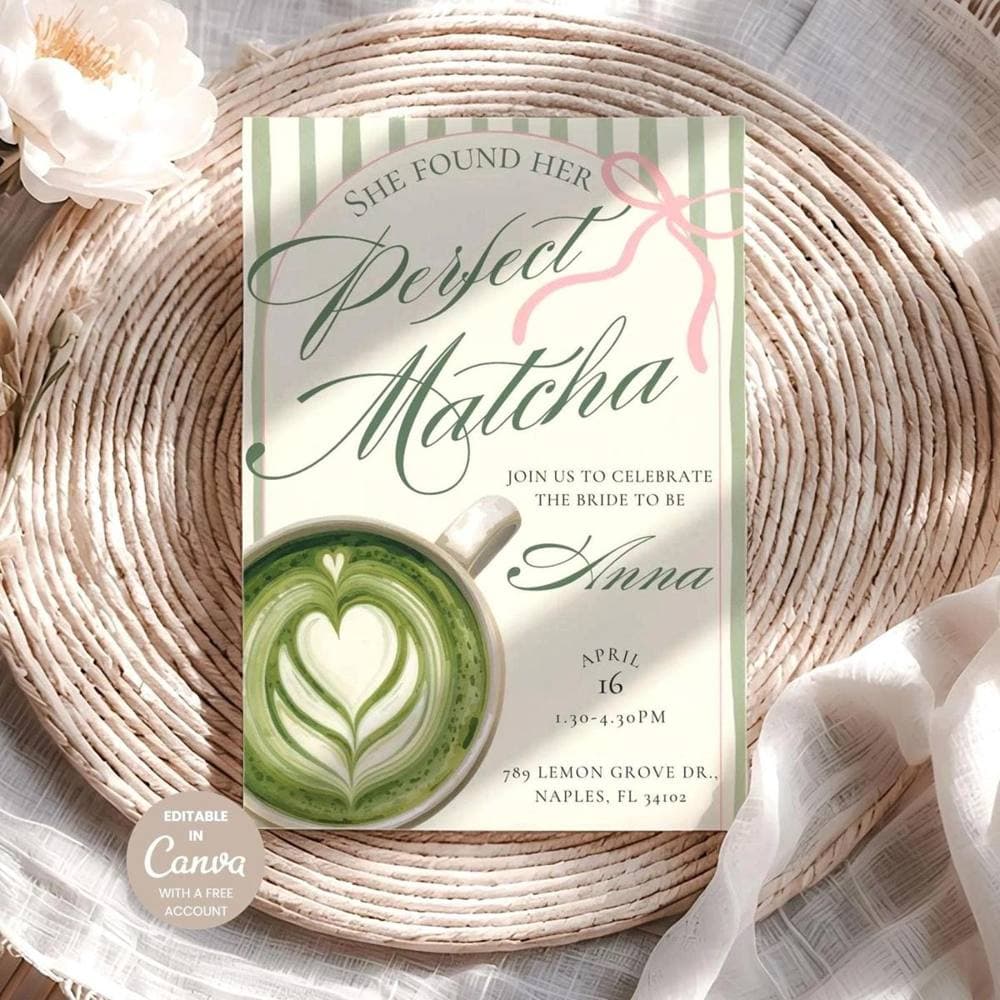
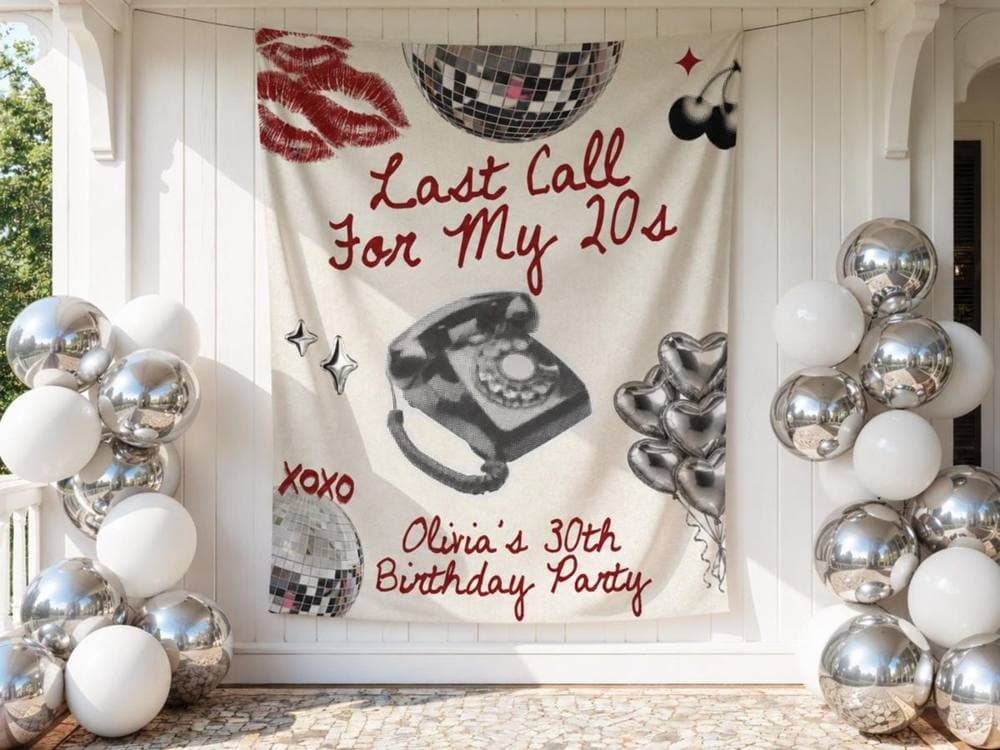
PlanablyNL is half digital and half made to order. The digital side is editable Canva templates: bridal shower bundles with invitations, signs and games, "guess how many" jar signs, menus and seating charts that a host edits and prints at home. The physical side is personalized decor, mostly big photo banners. One design turns a childhood photo into a backdrop for a 30th birthday that reads "Look who's turning thirty". There are also bachelorette can coolers and guest books with the bride's picture on the cover.
Anita runs the shop from the Netherlands and invites buyers to message her for anything custom. The shop has more than 400 reviews and a 4.98 star rating.
Party themes run on the calendar
A shop like this lives on themes. A Halloween bachelorette with a skeleton bride, an après-ski weekend, a Friendsgiving dinner, a spooky first birthday. Each one has a short window, and the people buying are planning weeks or months before the party, often by saving ideas to Pinterest boards.
That timing is the hard part. The catalog runs to more than a thousand listings, so pinning by hand meant picking designs, writing a description for each and posting them one at a time, while also making banners to order. And a winter banner pinned in January is pinned too late.
“Brides plan a bachelorette months out. If my ski banner shows up on Pinterest the week of the trip, I've missed her. I need it there while she's still choosing a theme.”
Choosing the pins herself
Alura can pick pins automatically with Smart Pins, which ranks a shop's listings mostly by Etsy views. Anita keeps Smart Pins off and picks the pins herself. In the Create tab of Alura's Pinterest section she chooses listings for the seasons coming up and turns each into a pin. Right now that means Thanksgiving banners and spooky first birthday backdrops for this autumn, lined up next to ski and winter bachelorette designs for the months after.
Each pin gets a title, a description and alt text. They can be written by Alura's AI for Pinterest or taken from the Etsy listing as written, and AI Instructions presets change the tone. The point is that a pin reads like an idea worth saving, not like an Etsy title stuffed with search words, and she can still edit any of it before it posts.
Then she picks the board. The current run of banners goes to a board called Bachelorette themes 2026, and other designs go to the shop's own board, PLANABLYNL. There are separate boards for bridal shower Canva templates and baby shower themes, so a planner who follows one kind of party sees that kind of design.
“Smart Pins picks what people already look at. That's fine for most shops. Mine needs next season's banners out before anyone's looking, so I choose.”
A queue that spreads them out
The pins don't all go out at once. They go into the Pin Queue, where Anita sets how many pins post a day, on which days and in which time slots. That way she can prepare a whole season's designs in one sitting and let the queue pace them over the following weeks, with ski banners waiting their turn behind the Halloween ones. Anything urgent can be moved up or published straight away, and any pin can still be edited or deleted before it posts.
New designs have a route in too. Pin New Listings is switched on, so a listing that went live the day before is added to the back of the same queue and waits its turn behind the pins she picked.
Next season, already on Pinterest
The queue now carries next season as well as this one. A few of the pins going out:
"Personalized Last Toast on the Slopes Banner for Bachelorette", described as an après-ski banner "featuring skiing lobsters. Perfect for winter bach parties, Aspen trips, or mountain cabins." "Personalized Mahjong Bachelorette Banner for Bridal Parties." "Spooky One Halloween Birthday Banner with Ghost Cats & Pumpkins." "Personalized Thanksgiving Banner for Fall Family Gatherings."
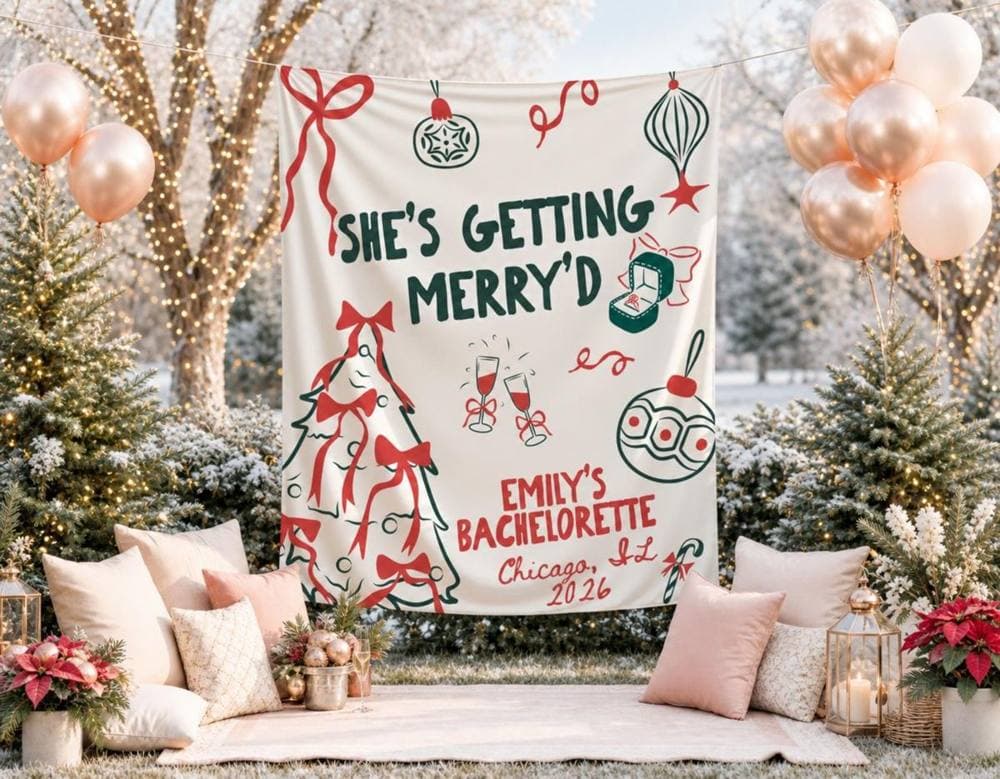
The banners suit Pinterest well. They're big, bright and shown hanging at a party, so each pin looks like the party itself. Every pin links back to its Etsy listing, so a bride saving ideas to her own board is one tap from ordering a banner with her name on it.
Market the season after this one
Anita's advice for other party and event sellers is to work one season ahead. List the design early, photograph it well and get it in front of people while they're still deciding, because by the time the party is close, most of the decisions have been made.
Her other tip is to name things the way planners do. People search for a theme first, like "après ski bachelorette" or "Friendsgiving banner", and only then for the product, so the theme belongs at the front of every title and pin.
“Don't market the party that's happening now. Market the one people are planning. By October I'm thinking about ski trips and New Year's Eve.”
PlanablyNL received Alura credits as a thank-you for sharing this story.